vitaliti081
26.Декабрь.2023 14:48:07
1
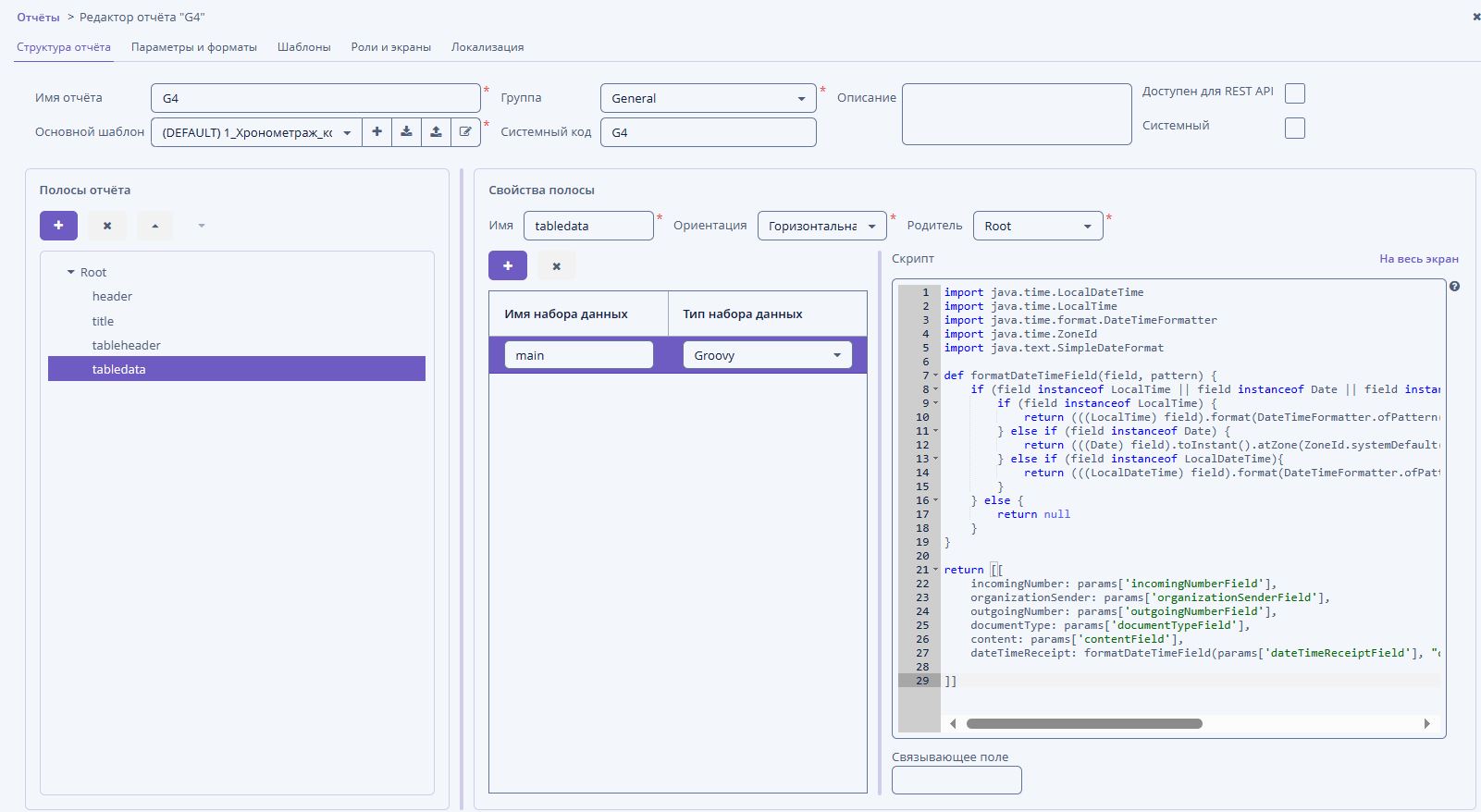
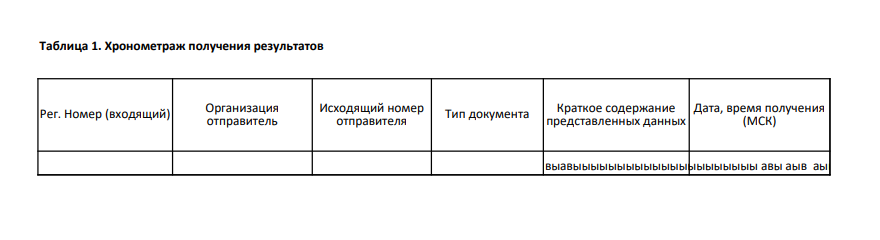
Здравствуйте. Не увеличиваются автоматически заполняемые ячейки с помощью горизонтальной ( да и вертикальной) ориентации, т.е. вниз. На скриншоте это ячейка “Краткое содержание представленных данных” видно что текст ушел за пределы таблицы, вместо того чтобы переноситься и удлинять ячейку. версия jmix 1.4.1, генерация excel в pdf с помощью Либры.
shchienko
26.Декабрь.2023 18:43:06
3
Здравствуйте @vitaliti081 ,
Это известная проблема:
открытые 08:17AM - 06 Dec 22 UTC
закрытые 08:10AM - 30 May 24 UTC
type: bug
size: M
in: reports
[forum issue](https://forum.jmix.ru/t/problema-v-perenose-strok-v-sformirovannyh… -otchetah/689)
**env**
Jmix version: 1.4.999-SNAPSHOT
Jmix Studio plugin version: 1.4.1-223
IntelliJ version: IntelliJ IDEA 2022.3 (Community Edition)
**TC**
Create Entity and add string attribute
Add add-on Reports
Run project
Create new instance of the entity with a long string
Create report (xlsx) for Entity
Run report for Entity
**AR**
- The field in the report does not adjust to the length of the line

**ER**
If the row does not fit into a single-line cell, then the cell must be multi-line. All text must appear in the cell.
### QA notes
To activate a row height calculation in manually created XLSX templates, it is required to add a named region with the name starting with `hint_rowAutoHeight` and set the range where a row height calculation should be applied. For XLSX reports created from the wizard, this named range is added automatically for each configured report region.
Как временное решение вы можете создать отчёт используя HTML-шаблон и распечатать его в формате PDF.
С Уважением,
vitaliti081
27.Декабрь.2023 06:10:19
5
А если перейти на более свежую версию Jmix такой проблемы не будет?
oman
27.Декабрь.2023 09:04:12
6
Во всех версиях такая проблема и в 1.х и в 2.х.